Caricamento in corso...
OpenClaw Docs
v2.4.0 Production
Last synced: Today, 22:00
Technical reference for the OpenClaw framework. Real-time synchronization with the official documentation engine.
Use this file to discover all available pages before exploring further.
Onboarding (macOS app)
This doc describes the current first‑run setup flow. The goal is a smooth “day 0” experience: pick where the Gateway runs, connect auth, run the wizard, and let the agent bootstrap itself. For a general overview of onboarding paths, see Onboarding Overview.
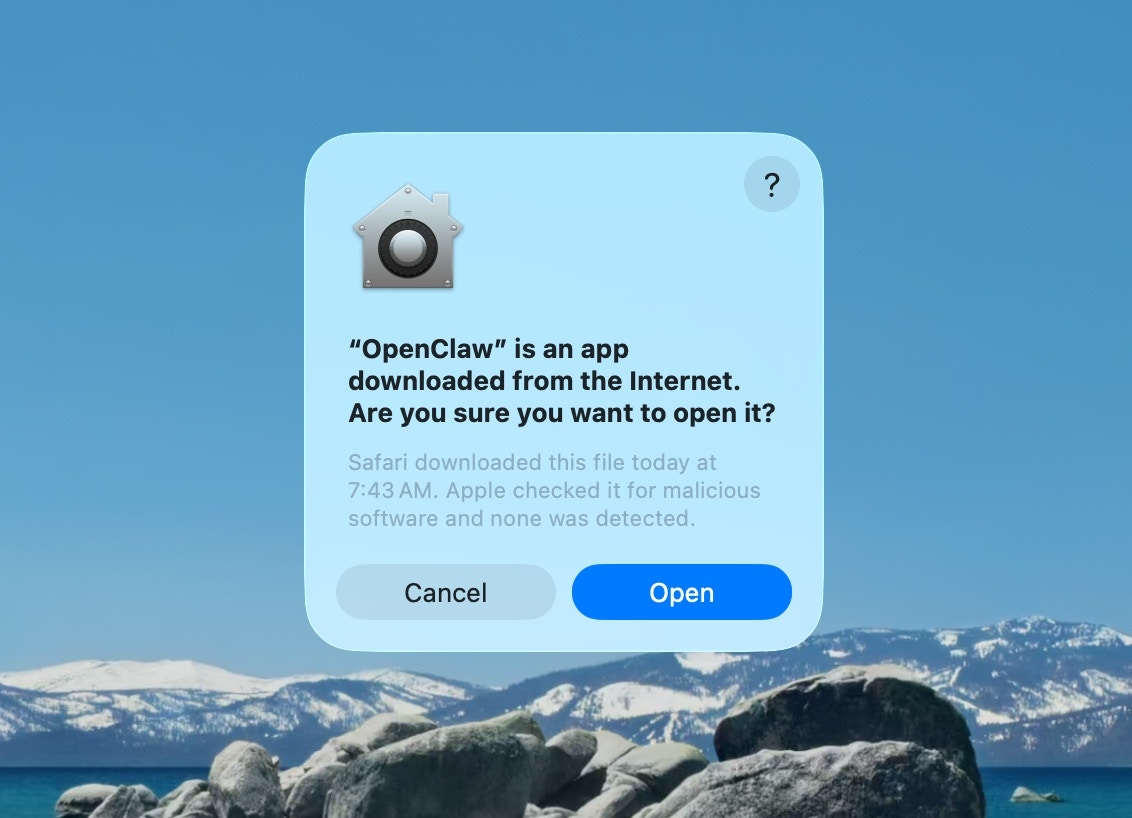
Approve macOS warning
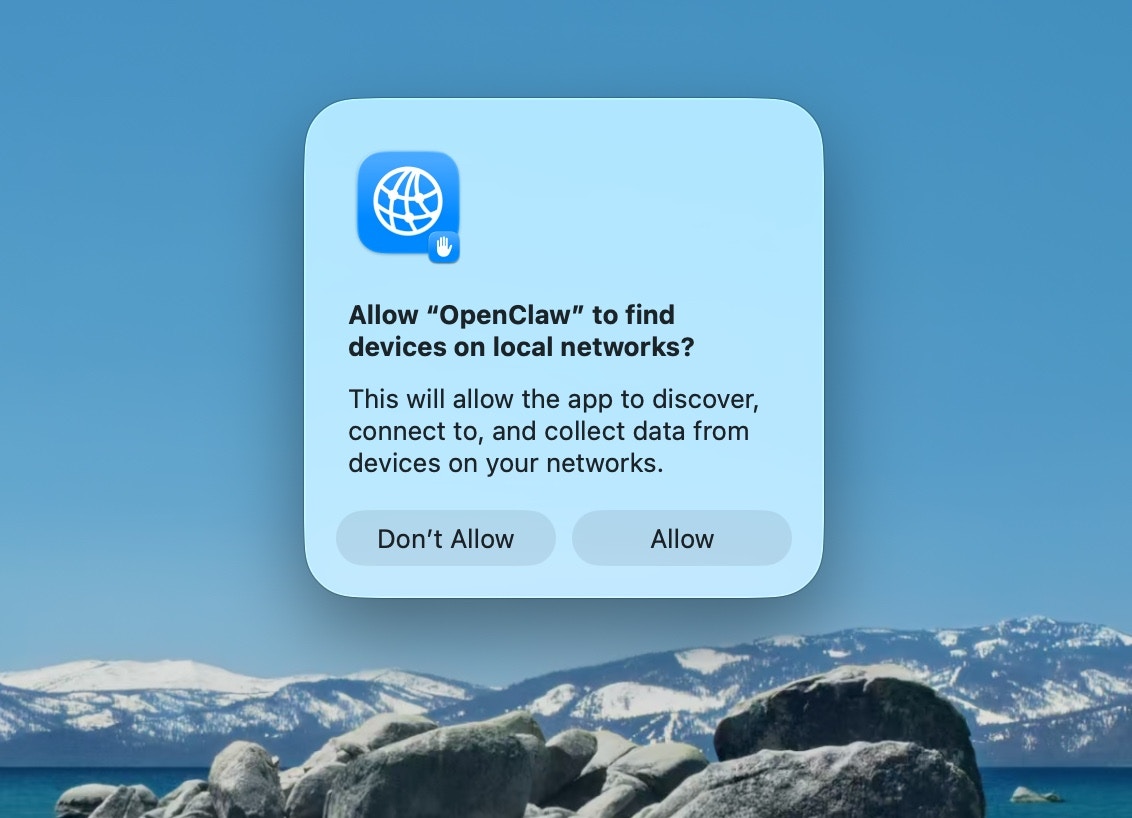
Approve find local networks
Welcome and security notice
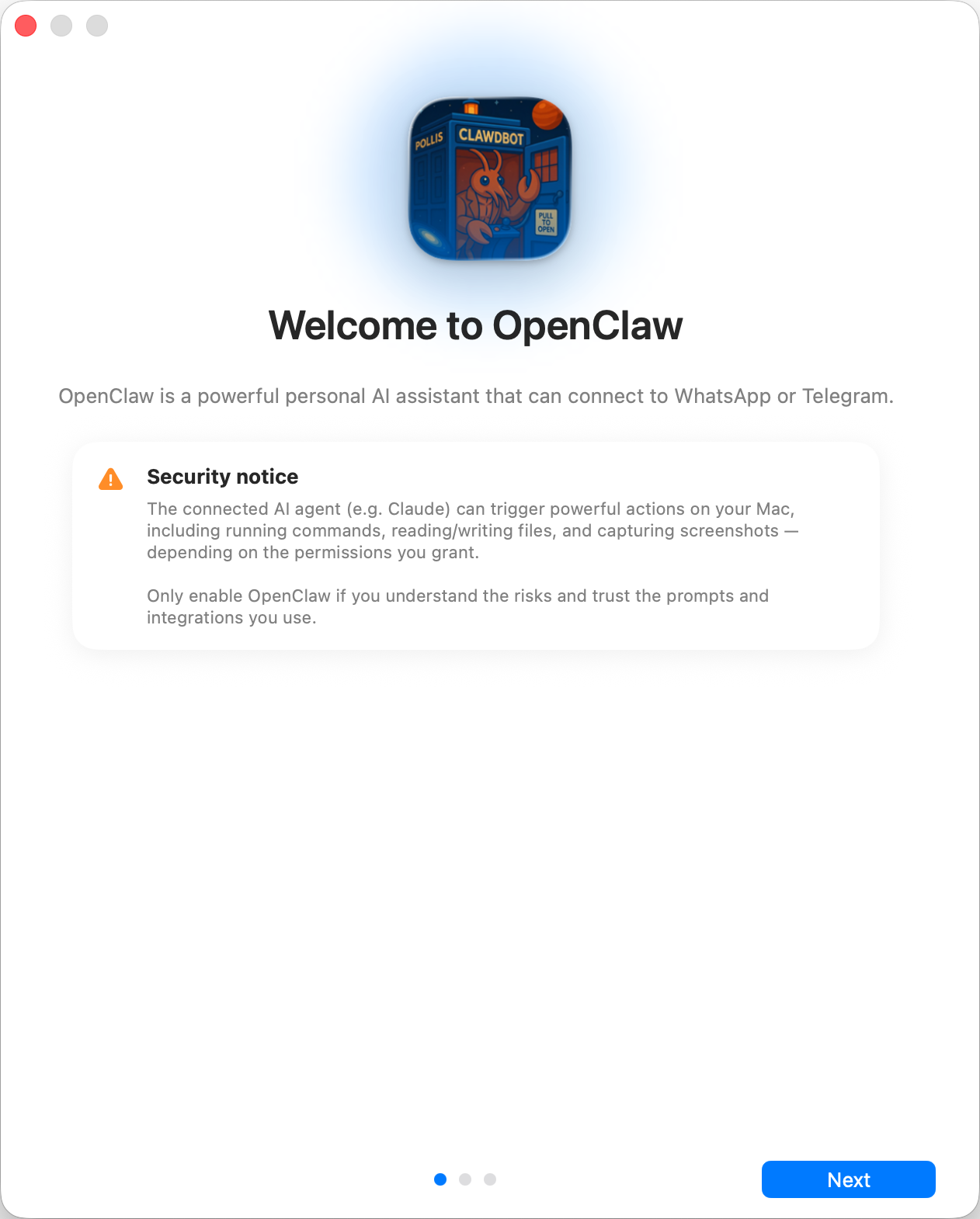
textSecurity trust model: * By default, OpenClaw is a personal agent: one trusted operator boundary. * Shared/multi-user setups require lock-down (split trust boundaries, keep tool access minimal, and follow [Security](/gateway/security)). * Local onboarding now defaults new configs to `tools.profile: "coding"` so fresh local setups keep filesystem/runtime tools without forcing the unrestricted `full` profile. * If hooks/webhooks or other untrusted content feeds are enabled, use a strong modern model tier and keep strict tool policy/sandboxing.
Local vs Remote
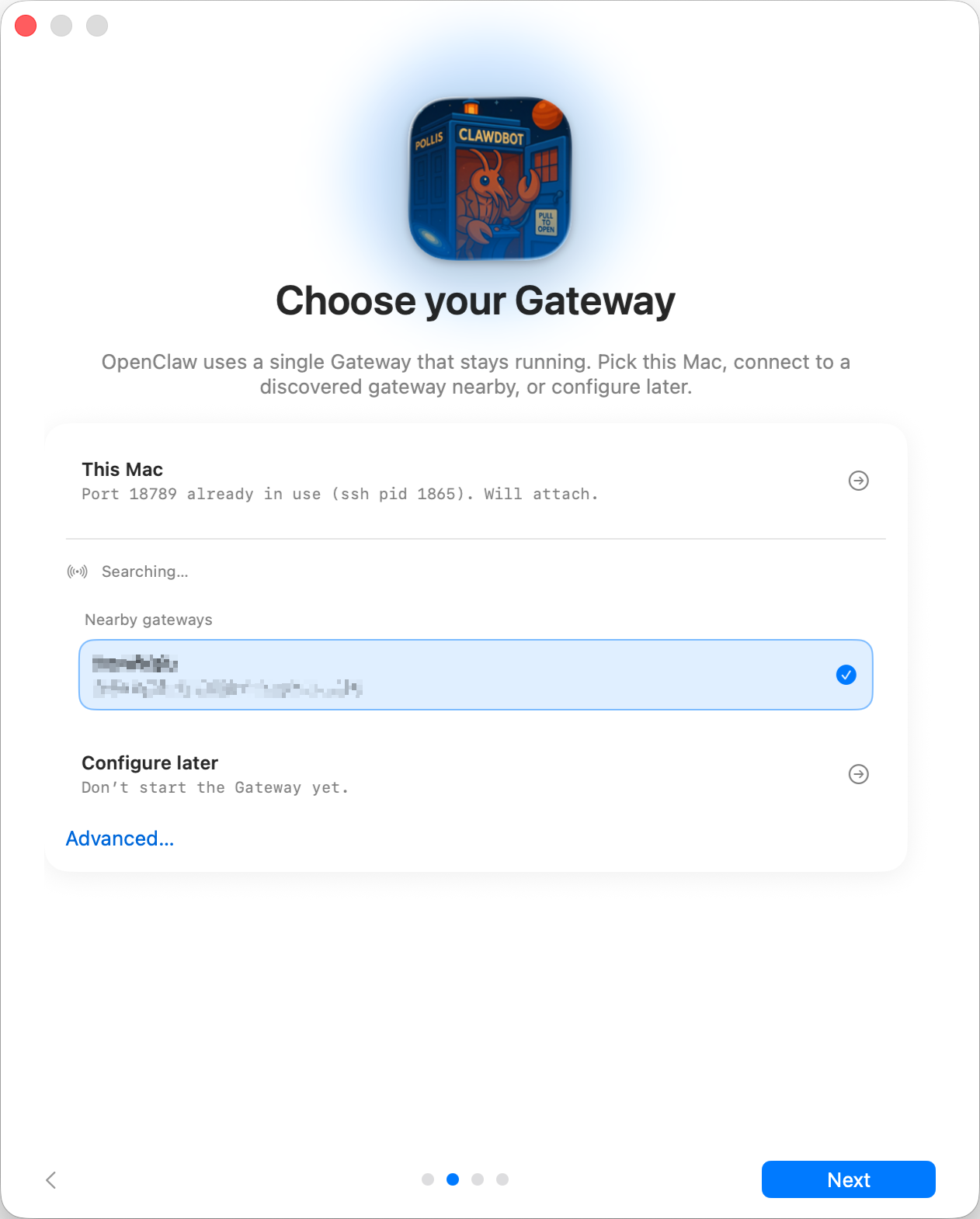
textWhere does the **Gateway** run? * **This Mac (Local only):** onboarding can configure auth and write credentials locally. * **Remote (over SSH/Tailnet):** onboarding does **not** configure local auth; credentials must exist on the gateway host. * **Configure later:** skip setup and leave the app unconfigured. <Tip> **Gateway auth tip:** * The wizard now generates a **token** even for loopback, so local WS clients must authenticate. * If you disable auth, any local process can connect; use that only on fully trusted machines. * Use a **token** for multi‑machine access or non‑loopback binds. </Tip>
Permissions
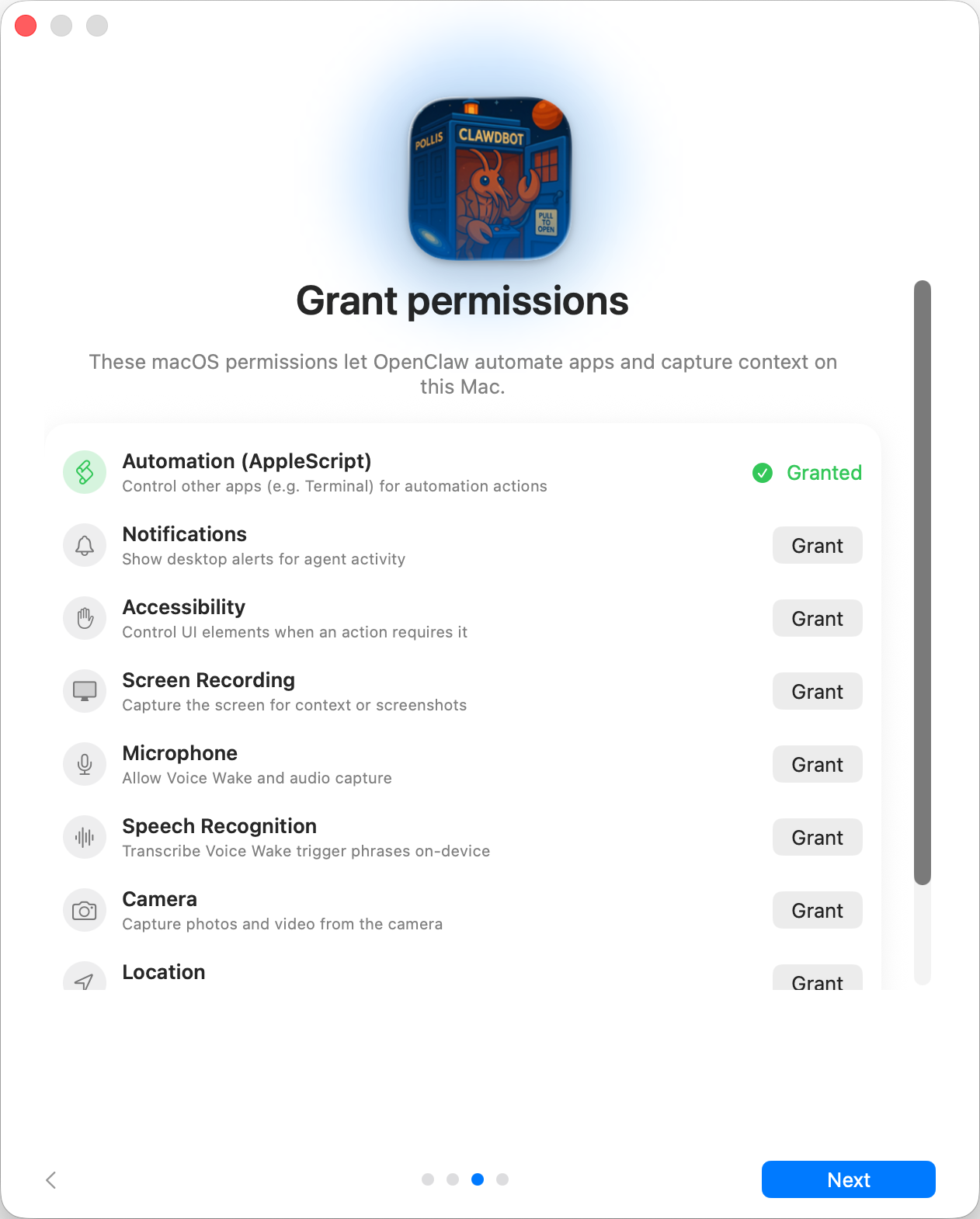
textOnboarding requests TCC permissions needed for: * Automation (AppleScript) * Notifications * Accessibility * Screen Recording * Microphone * Speech Recognition * Camera * Location
CLI
info
This step is optionalOnboarding Chat (dedicated session)
After setup, the app opens a dedicated onboarding chat session so the agent can
introduce itself and guide next steps. This keeps first‑run guidance separate
from your normal conversation. See [Bootstrapping](/start/bootstrapping) for
what happens on the gateway host during the first agent run.
Related
© 2024 TaskFlow Mirror
Powered by TaskFlow Sync Engine